Recently I tweaked my gf's PC after noticing an unusually high number of background processes running at boot — peaking at 200+, sometimes spiking past 350. That, combined with high RAM usage, made the system feel sluggish, so I decided to tweak and debloat her Windows 11 install.
PC Specifications:
Processor: Intel Core i5 12400F
RAM: DDR4 8GB x2 (16GB) 3200MHz
GPU: Nvidia RTX 4060 8GB
OS: Windows 11 Pro
Mainly used for: Gaming, Work, Entertainment
All the tools I used are free and available to anyone online. Here are the three I combined:
1. CTT Tools (christitus.com/windows-tool)
Config used:
- Standard Tweaks
- Adobe URL Block List
- Background Apps
- Remove Microsoft Edge
- Enable Ultimate Performance
2. Sparkle (getsparkle.net)
Config used:
Performance
- Disable Telemetry
- Disable Background MS Store Apps
- Disable Copilot
- Disable Fast Startup
Gaming
- Disable Core Isolation
- Disable Mouse Acceleration
- Enable Game Mode
- Enable Hardware-Accelerated GPU Scheduling (HAGS)
- Enable Optimizations for Windowed Games
Network
- Disable Wi-Fi Sense
- Optimize Network Settings
GPU
- Optimize Nvidia Settings
Cleaner
- All
3. O&O ShutUp10++ (oo-software.com/shutup10) — also accessible through CTT Tools
Config used: all recommended "Yes" options, except microphone and camera access (left untouched for privacy).
⚠️ Use at your own risk. Stick to the recommended settings each tool provides — don't blindly enable everything.
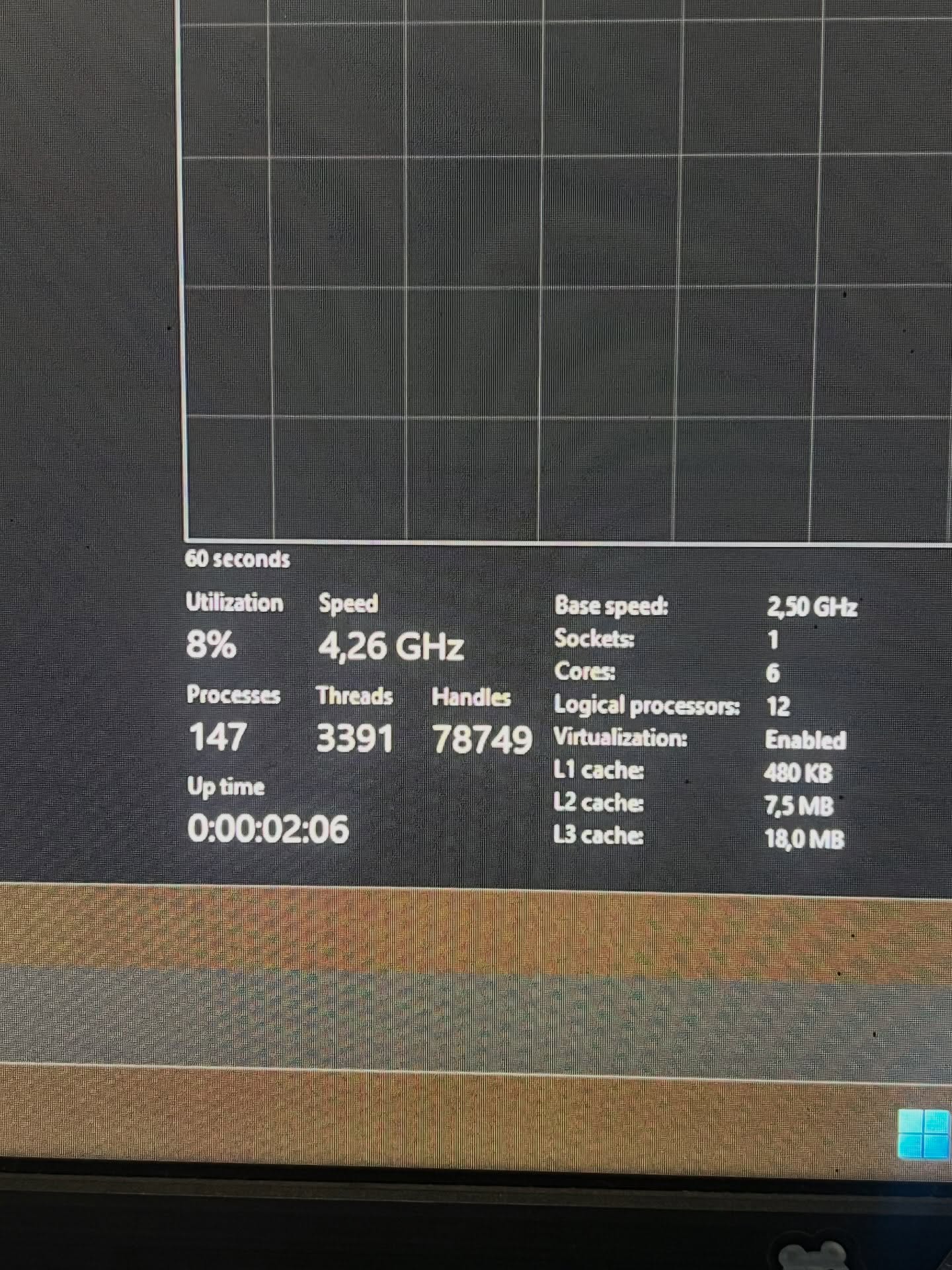
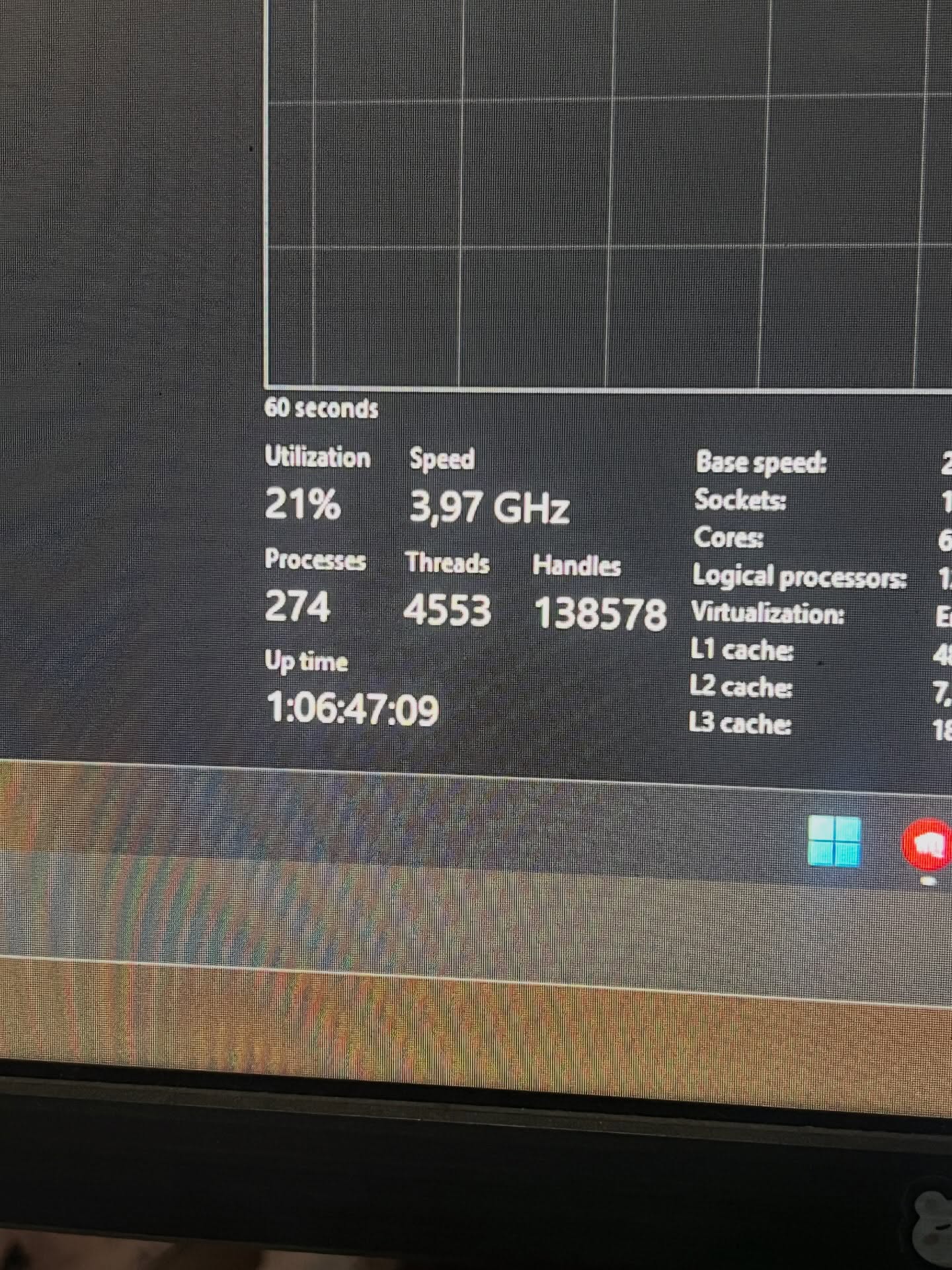
With this setup, background processes dropped from around 270 to roughly 147, and the system felt noticeably more responsive — faster tab switching and smoother mouse movement.
Before:
After: