
If you want more Spotify client themes, better lyrics, and full customization, let me introduce you to Spicetify. Spicetify is basically a CLI tool that lets you control and customize your Spotify client (source: their official website, lol).
With Spicetify, you can do many things to your Spotify client, such as:
- Theme customization
- Adding extra extensions
- Customizing the app UI
And yes, it’s open source, you can check the code here:
https://github.com/spicetify/cli
Below are the basic steps to get started. You can read the full documentation on their official website:
https://spicetify.app/
How to install Spicetify on your machine
-
Make sure you have the official Spotify desktop client installed from:
https://open.spotify.com/Please download it from the official website, not from the Microsoft Store or other third-party sites.
-
If you’re using Windows, open PowerShell and run this command:
iwr -useb https://raw.githubusercontent.com/spicetify/cli/main/install.ps1 | iexIf you’re using Linux, run this command instead:
curl -fsSL https://raw.githubusercontent.com/spicetify/cli/main/install.sh | shAlways check the official documentation for updated installation steps:
https://spicetify.app/docs/getting-started
- If you see a message about installing the Marketplace, just press Enter in your terminal. The default option is YES.
The Marketplace provides ready-to-use themes, extensions, and apps.
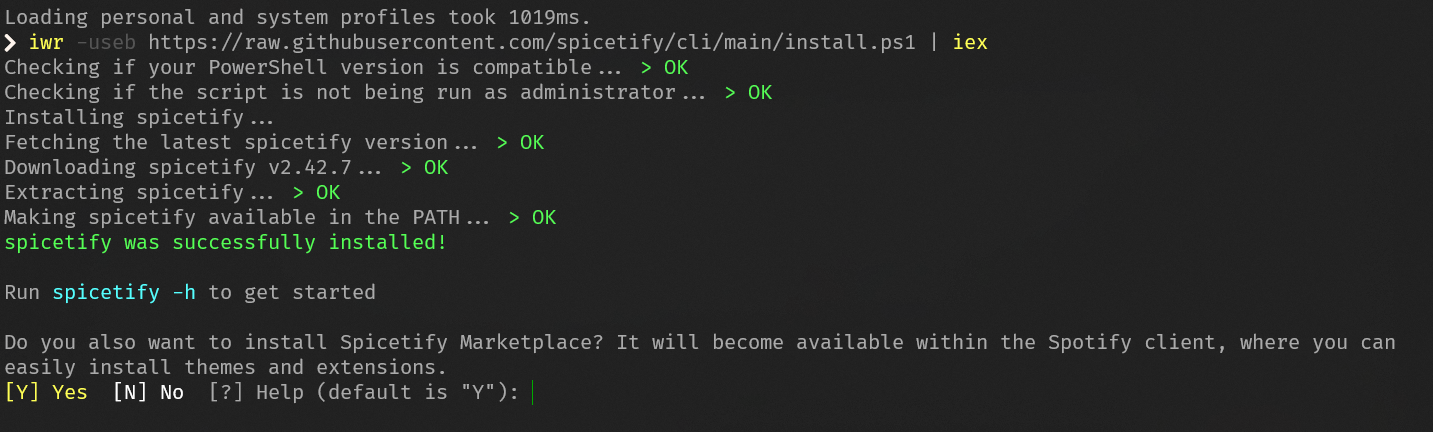
- You’re all set! If you see this message, it means the installation was successful.
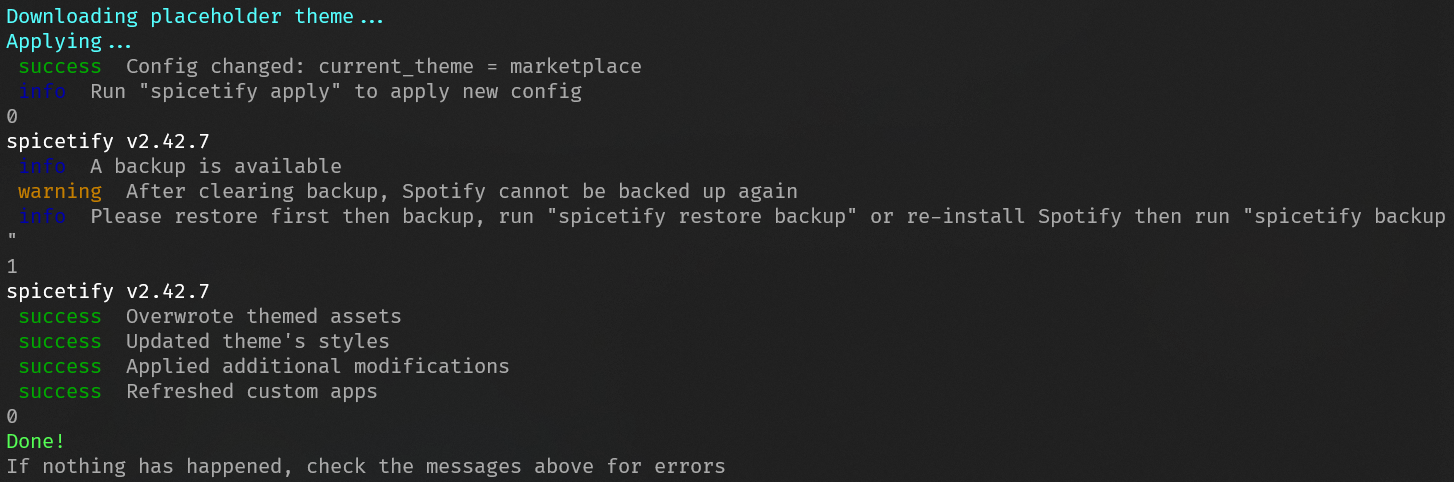
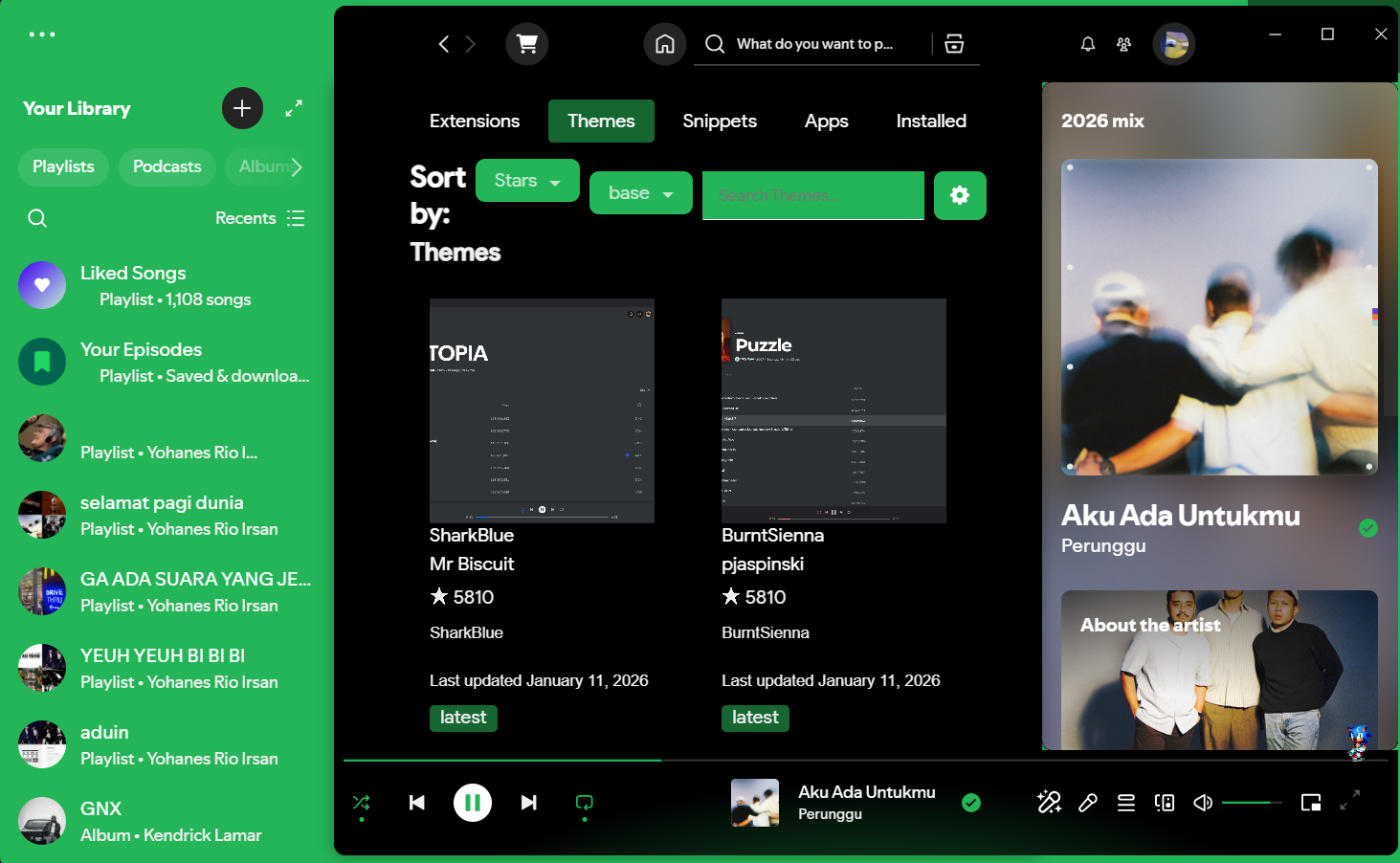
After the installation, your Spotify client will open automatically. You’ll notice a cart icon in the app this is the Marketplace, where you can access themes, extensions, snippets, and apps.
Now you can install and customize your Spotify client however you want!
Can you block ads with this tool? Yes, of course but I personally prefer to support Spotify by using their Premium subscription. I recommend using Spicetify mainly for UI customization 😄
If Spicetify doesn’t apply when you open your Spotify client (usually because of an official Spotify update), you can run the following command in your terminal. Make sure to close the Spotify client first.
spicetify update